Animators
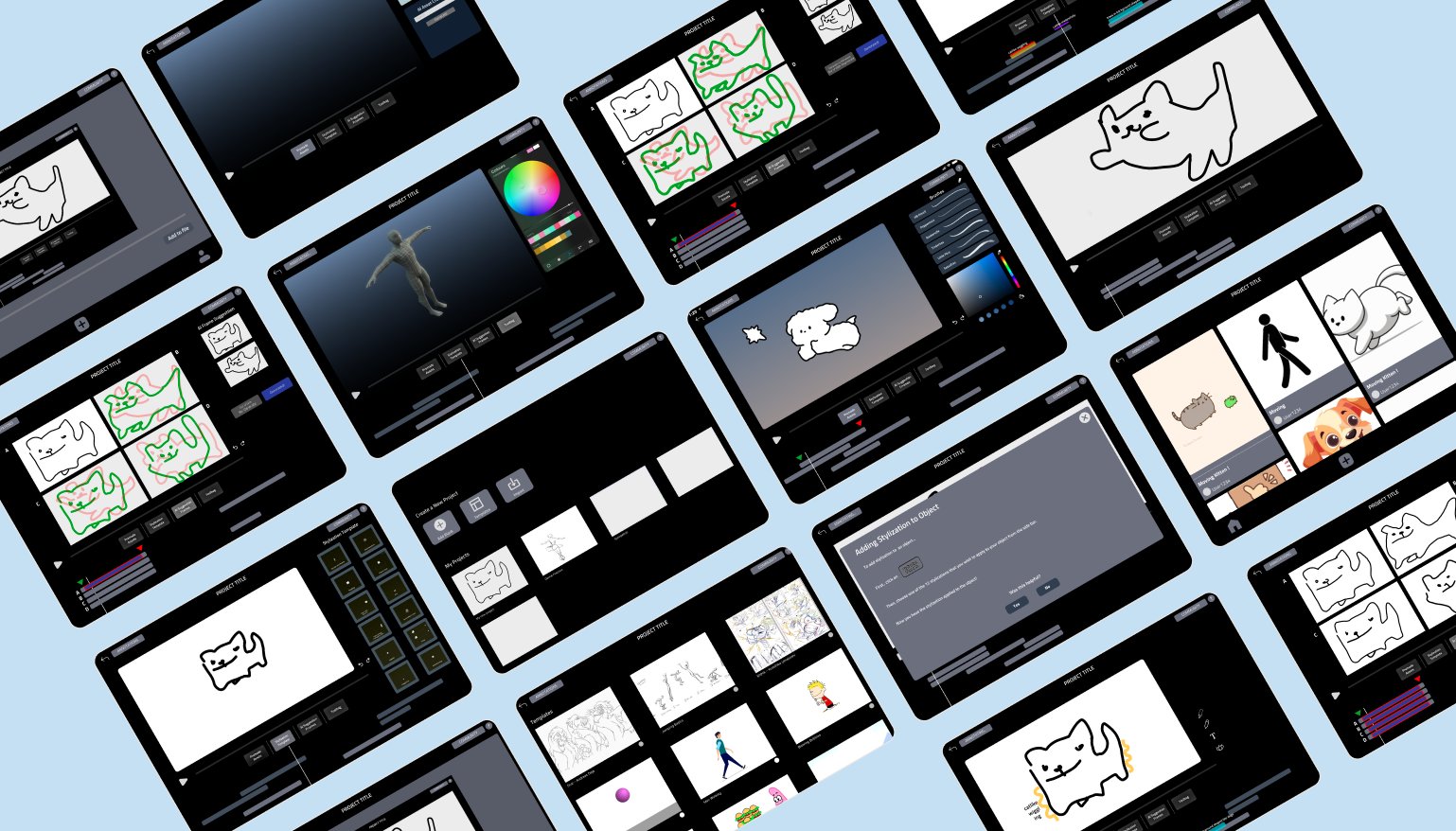
We decided to create a prototype for an animation app that integrates tutorials and guides on essential animation principles, the utilization of AI technology, and various features that help beginner animators enjoy their animating journey!
Problem
Animating apps can be difficult to use 😟
In current animating apps, users are often left without built-in tutorials within the software. The absence of guidance on animation principles means users must seek information elsewhere, which can be a time-consuming and frustrating process.
Goal
Make it user friendly - Especially for beginners
Our prototype features a straightforward interface for ease of use, particularly for beginners. We integrated tutorials and training on both the animation process and the use of tools and an AI System where Users can utilize AI technology for their animating process.
Wireframes

Prototype
AI Suggeting Frames
To ease the workload for users, our software includes an AI Suggesting Frames feature. This tool generates intermediate frames between two original drawings, significantly reducing the effort required to create numerous animation frames. The animation process is divided into two tasks: "in-betweens" and "key frames."
Users can focus on creating the key frames while the AI handles the in-betweens, ensuring smooth and cohesive animations.
Prototype
Premade Assets and Animation Stylization
Traditional keyframe animation requires meticulous editing of keyframes and in-between frames. Our solution simplifies this by allowing users to use premade objects. Moreover, animation stylizations can be easily applied to the object, bypassing the tedious work and immediately animating the objects.
Prototype
Annotation mode
Annotation mode allows animators to switch between frames and annotate on their animations.
More Frames